

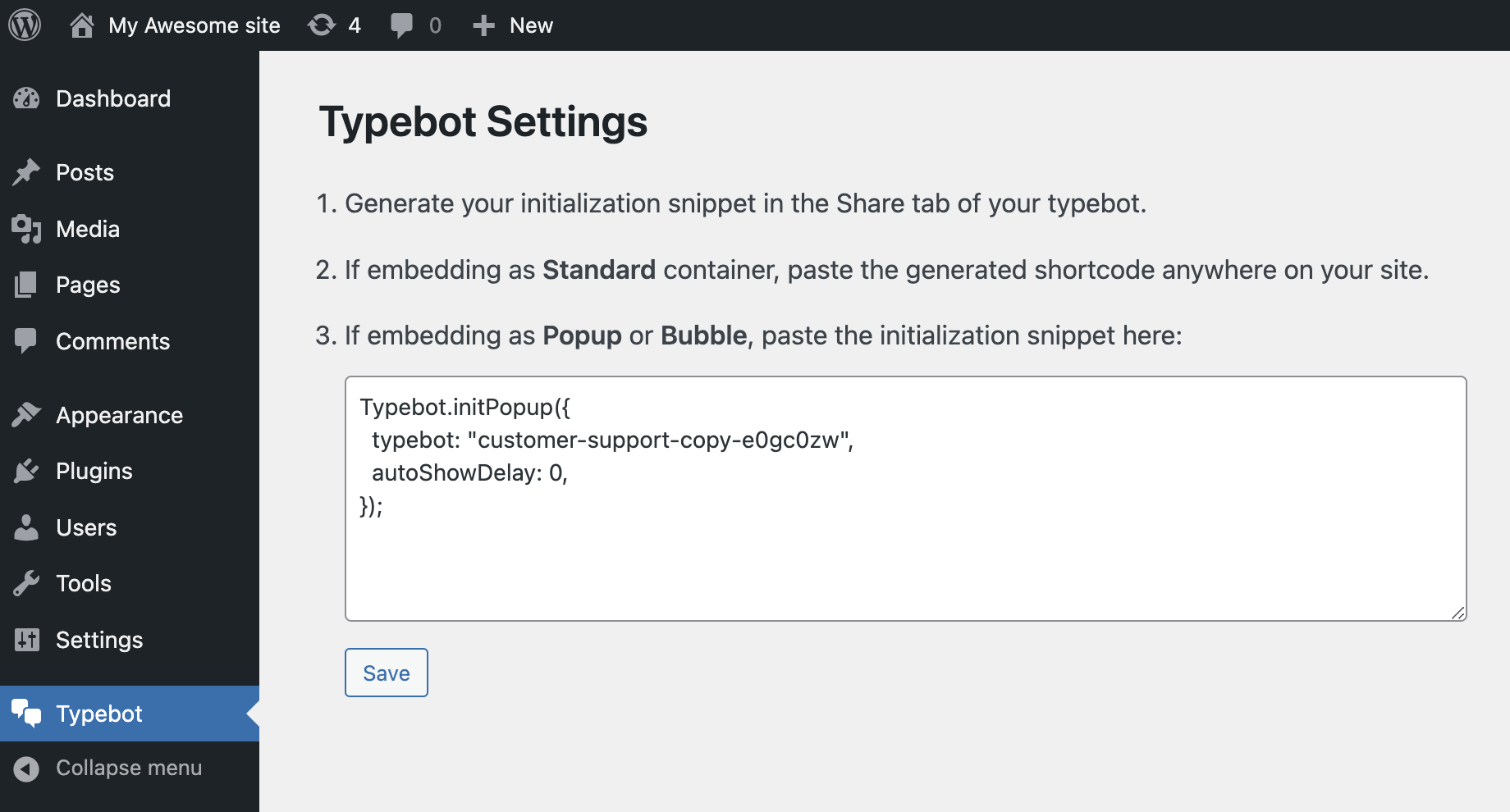
Excluded pages
The excluded pages input is a comma-separated list of pages where you don’t want your bot to appear. Examples:/app/*will exclude all pages starting with/app//appwill only exclude the/apppage/app?param=1will only exclude the/apppage and with theparamquery parameter set to1/app?param=*will exclude the page at/appand with theparamquery parameter set to anything/app/*?param=*will exclude all pages starting with/app/and with theparamquery parameter set to anything
Personalize user experience
You can leverage the prefilled variables and inject your user information directly into your bot so that the experience is entirely customized to your user. Here are the available variables from WordPress, make sure to create them in your bot’s variables dropdown: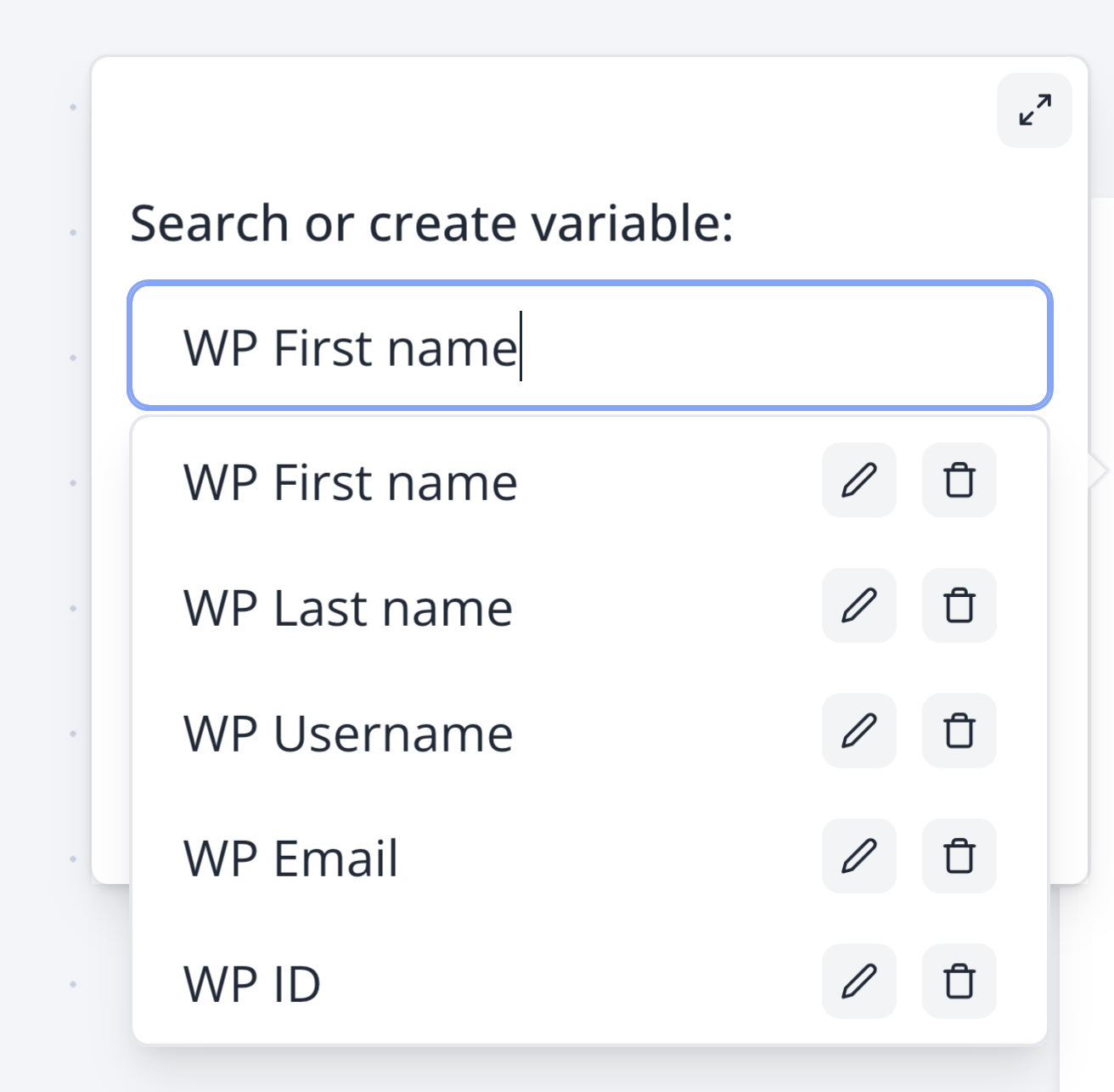
- Use the Wordpress Bot plugin
- Have the variables declared in your Bot with the exact syntaxes. For the email for example, make sure your variable is spelled
WP Email. These won’t work:wp Email,WP email.
Your bot isn’t showing?
You have litespeed with “Localise Resources” enabled
There is an a box where there is a list of URLs it localises, one of them was ‘https://cdn.jsdelivr.net’. This URL should be removed from it since it is used to import the embed library.You have litespeed with cache enabled
Make sure to insertweb.js and bot in the JS Excludes textbox and JS Deferred Excludes under Tuning Settings.
You have a cache plugin
Plugins like WP Rocket prevent Bot to work. For WP Rocket:- Go to Settings > WP Rocket > Excluded Inline Javascript:
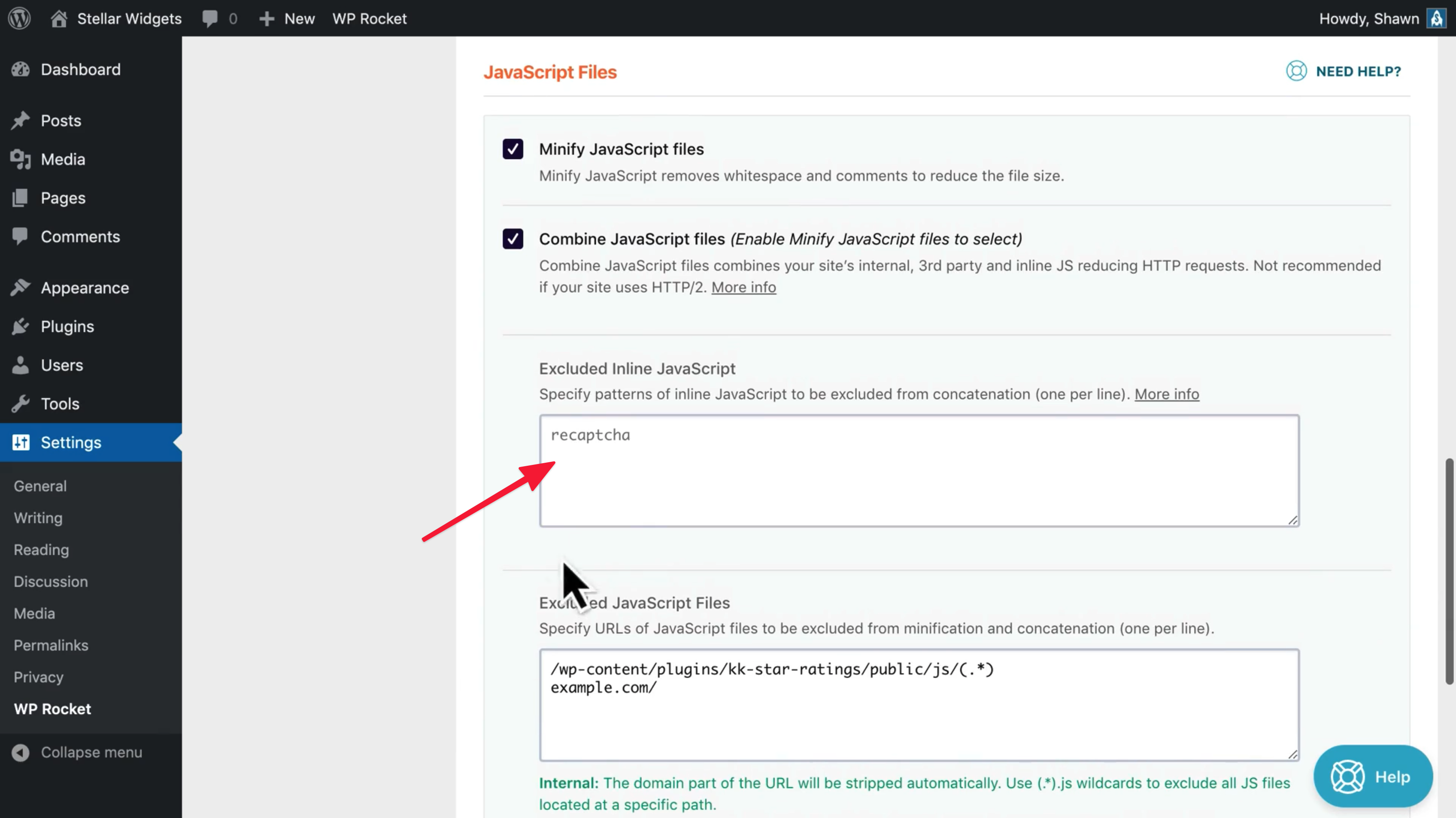
- Type “bot”
- Save