

This block doesn’t allow you to create a custom visual block.
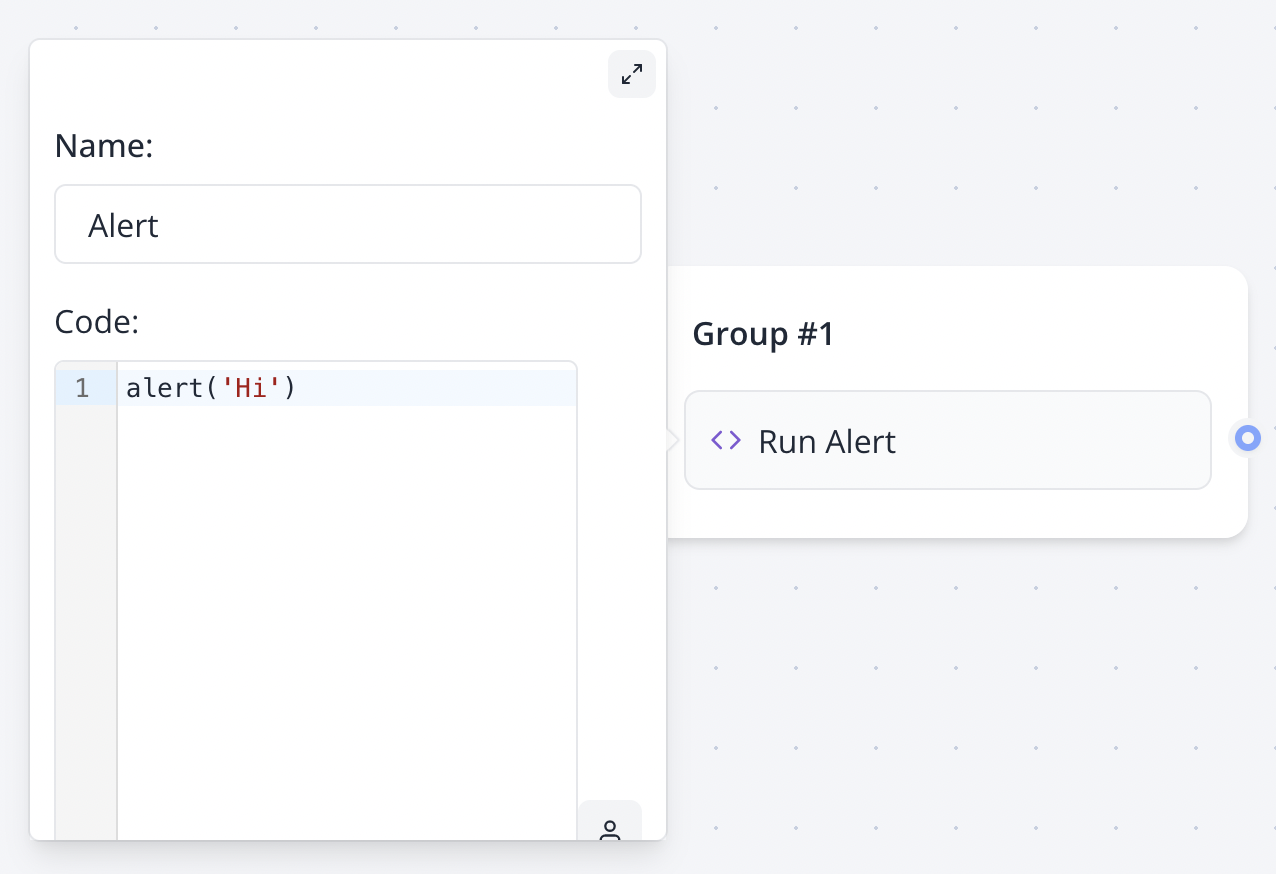
Execution modes
- Execute on client enabled: runs in the visitor browser and can access browser APIs such as
windowanddocument. This mode is available in Web Chat and preview. - Execute on client disabled: runs in the isolated QuickJS server sandbox.
- Channels without a browser runtime, such as WhatsApp, Instagram, Facebook, Telegram and Gmail, automatically use the server sandbox even when client execution is selected.
Server execution requires
SCRIPT_BLOCKS_ENABLED=true, SANDBOX_RUNNER_URL and a matching SANDBOX_RUNNER_API_KEY on the services that execute bot flows.Variables
Variables are evaluated as JavaScript values. Do not wrap a variable reference in quotes unless you intentionally want a string literal.setVariable function
For simple assignments, the Set variable block is usually easier. For server scripts, you can call setVariable with a variable name or ID:
setVariable is available only in the server sandbox. It is not available when the script runs in the visitor browser.
Server sandbox limitations
Server scripts run in an isolated QuickJS environment with CPU, memory, input and output limits.console.log,console.info,console.warnandconsole.errorare captured and shown in the Studio preview logs.setTimeoutandsetIntervalare not available.importandrequireare not available.- Browser APIs such as
window,documentandlocalStorageare not available. - Direct
fetch()is intentionally disabled to prevent server-side request forgery and access to internal infrastructure. Use the HTTP Request block for external requests. - Scripts exceeding the configured timeout, memory, input or output limits fail with a detailed error in the Studio preview.